
A model is only as good as the data it gets
A bot that gives wrong answers almost never fails because of the model. It fails because it didn't find the right passage: a scanned document that was never read, a table cut in half, an image with no description, or an index that hasn't been updated since the website changed.
That's why we don't rely on the built-in indexing of off-the-shelf tools. We design the index ourselves, based on the type of data and on the questions users actually ask, and we test it before the bot goes live.
Every type of information, including what's hard to read
Scanned documents and PDFs
Document Intelligence for text, structure and tables, and a vision model when legibility is poor.
Images
Photos, license plates, screenshots and diagrams, with OCR and descriptions that make them searchable.
Handwriting
Handwritten forms and invoices, in Hebrew and English, alongside printed text.
Tables and structured data
Tables that are never cut in half, and structured data from CRM and ERP systems.
Websites and content management systems
Crawling an existing website and a CMS such as Umbraco, with the index updating along with the site.
SharePoint and Microsoft 365
Document libraries, with security trimming based on user permissions.
Technical documentation
Manuals and specifications hundreds of pages long, with citations down to document, chapter and page.
Conversations and accumulated knowledge
Case and conversation history that becomes knowledge for the next question.
Six steps from raw data to an answer with a source
- 1
Mapping sources and questions
Which sources, who is allowed to see what, and which questions users actually ask.
- 2
Extraction and understanding
OCR, handwriting, tables and images become text and structure, with metadata for source, date and permissions.
- 3
Smart chunking
Chunking by document structure, not by character count, so no table or section is ever split.
- 4
Embeddings and a vector index
Vectors in Azure AI Search, combined with keyword search and synonyms, tuned for Hebrew.
- 5
Retrieval, permissions and sources
Hybrid search, per-user security trimming, and a citation of the passage the answer was built from.
- 6
Updates and testing
Indexing that stays in sync with the sources, quality testing before go-live, and an improvement loop on unanswered questions.
What we indexed, and where it runs
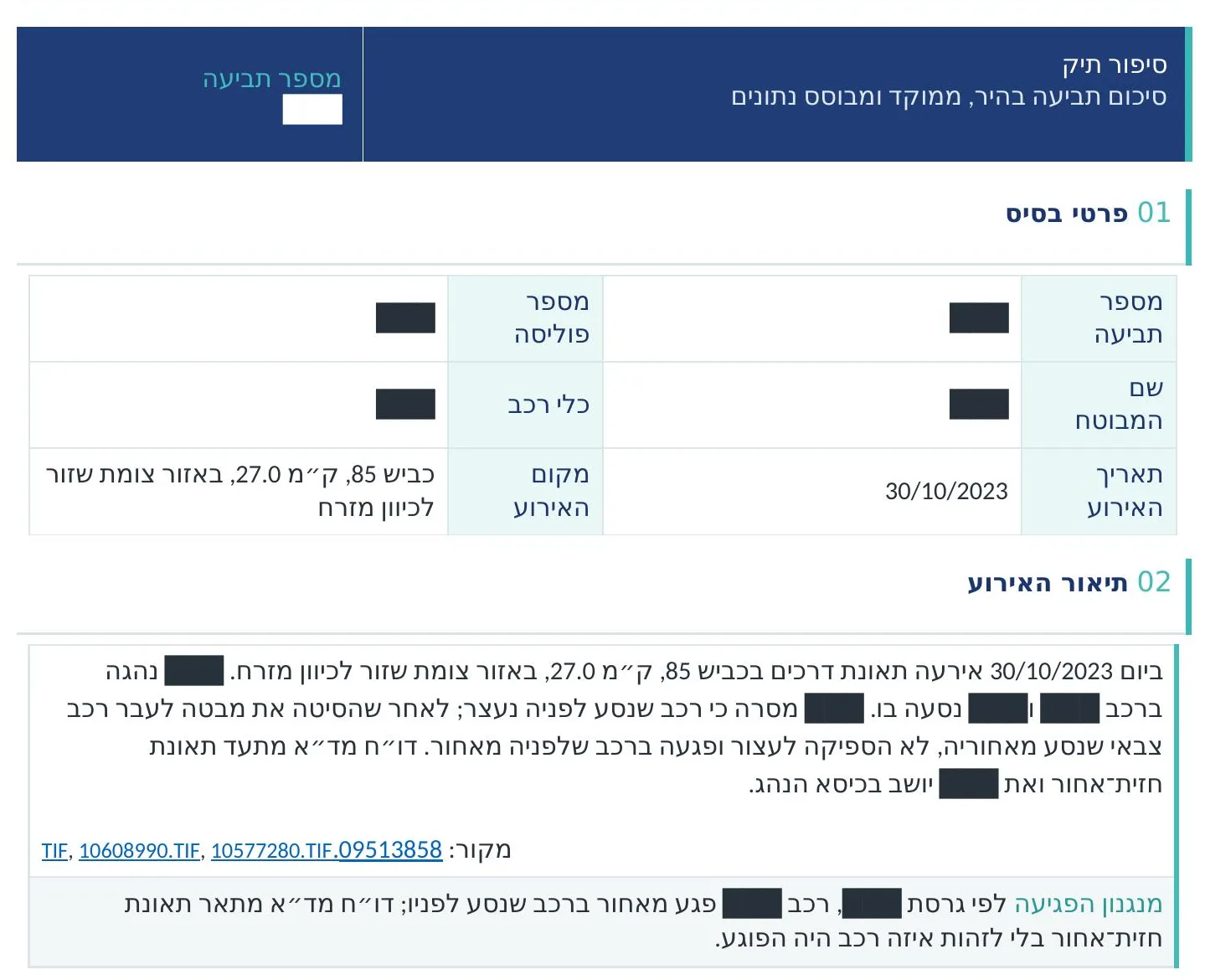
Hundreds of documents, one case file
Indexed: scans, medical reports, policies and correspondenceEvery statement in the report links to its source document, and the index updates with every new document.
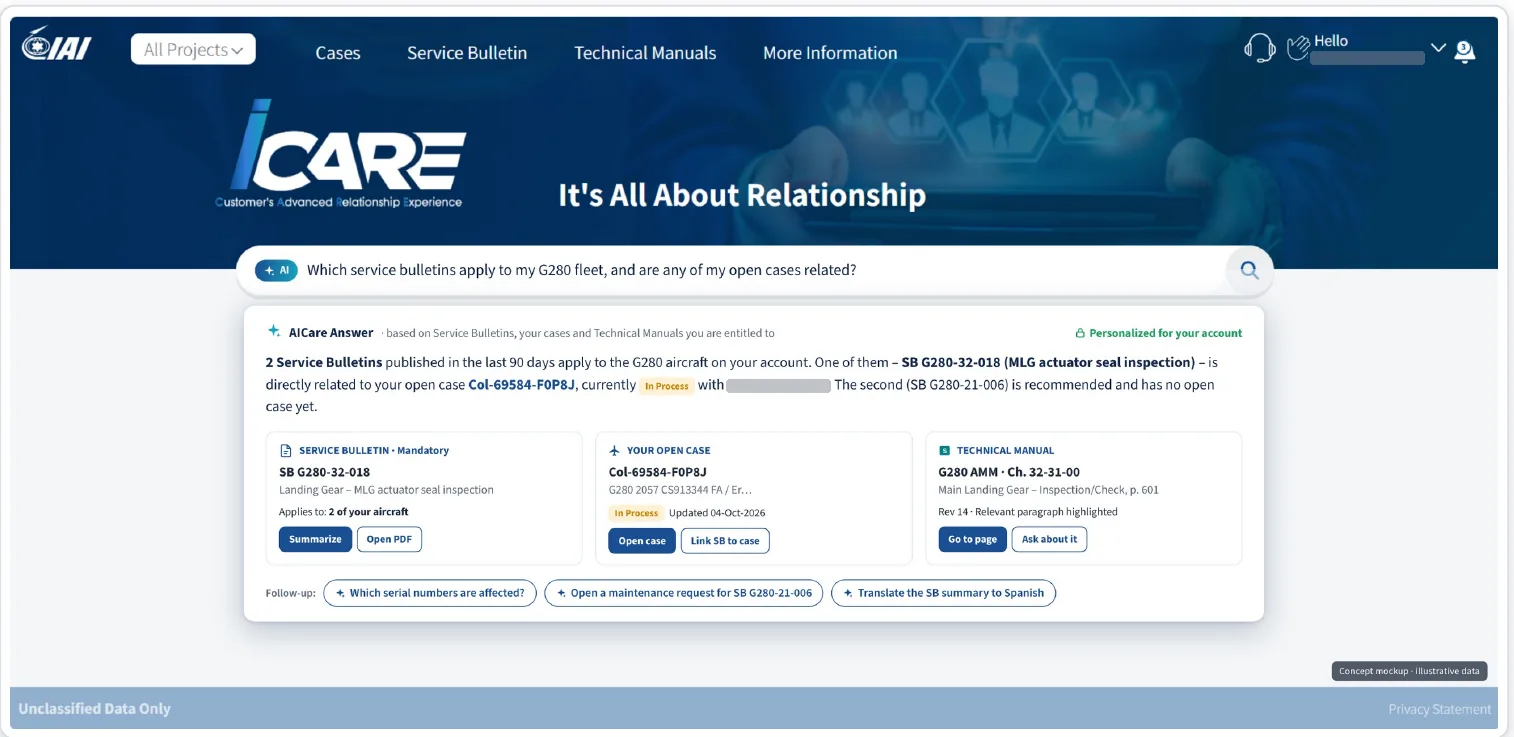
Aircraft technical documentation
Indexed: AFM, AMM and Service Bulletins, with security trimmingAnswers and cross-document comparisons, citing document, chapter and page.
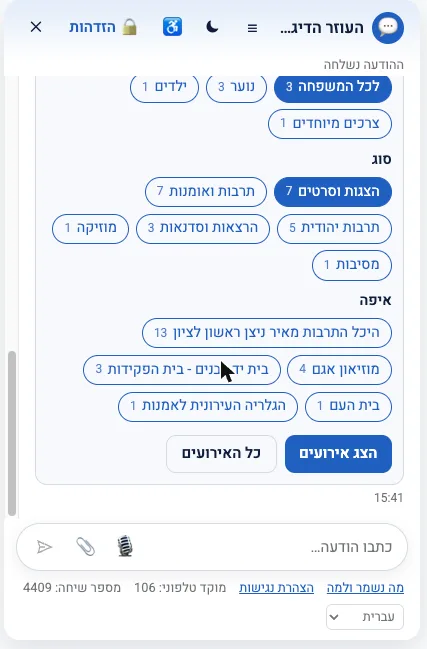
Website, documents and CMS
Indexed: the municipal website, documents and UmbracoThe bot answers only from indexed content, and unanswered questions become tasks for the content team.
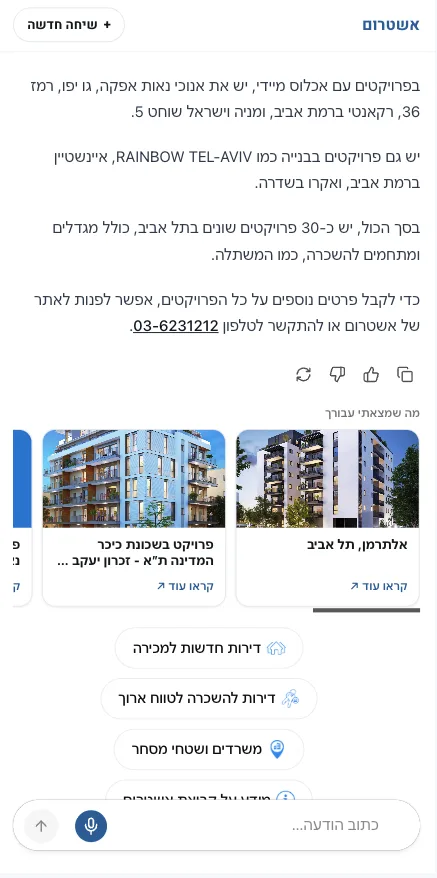
An entire website turned into a knowledge base
Indexed: project pages, properties, specifications and imagesNatural language and voice search, with project cards and images from the site.
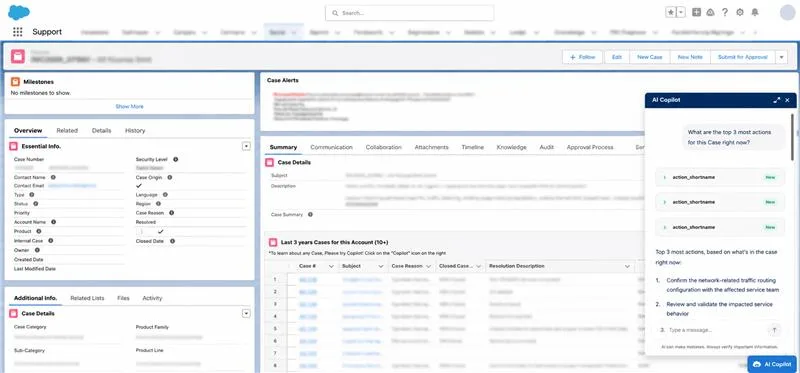
A service team's knowledge
Indexed: resolved cases, logs, processes and a knowledge baseRecommendations based on the case context, within Salesforce permissions.
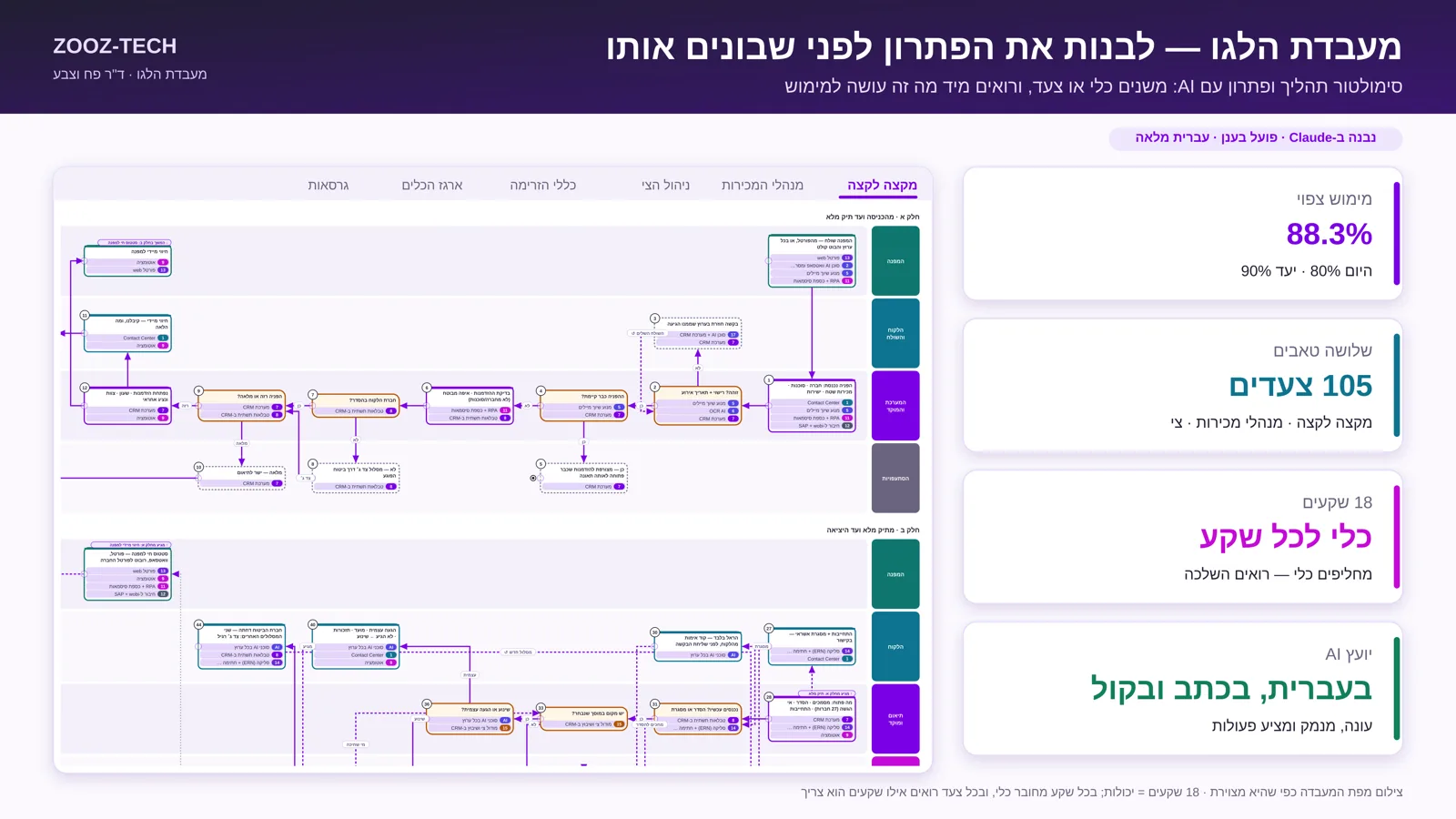
An entire project's materials
Indexed: Word, PDF, PowerPoint and Excel, with search tuned for HebrewAn AI advisor that answers from all the project materials and cites a source in every answer.
RAG and vector database FAQs
What is RAG?
RAG (Retrieval-Augmented Generation) is a method in which the model does not answer from its own memory. It first retrieves relevant passages from the organization's data, and only then composes an answer from them, with a source.
What is a vector database?
A vector database stores each piece of information also as a numeric vector that represents its meaning, so an answer can be found even when the question uses different words from the document. At Zooz-tech, Azure AI Search serves as a vector and hybrid store at the same time.
Can images and scanned documents be indexed?
Yes. Scanned documents, photos and handwriting go through OCR, structure analysis and description, and enter the index like any other text. That way you can also ask about what is written inside an image.
What about permissions and security?
Every passage in the index carries the permissions of its source, and each user gets answers only from what they are allowed to see. The data stays in your organization's Azure.
Why not use Copilot Studio's built-in indexing?
Built-in indexing is convenient for getting started, but it gives you no control over chunking, Hebrew, tables and images. A purpose-designed index in Azure AI Search delivers more accurate answers and serves several bots and agents at once.
Further reading: RAG vs. fine-tuning · What is RAG
Lots of knowledge, and no one can find it?
We'll map your data and show what AI can do with it.